
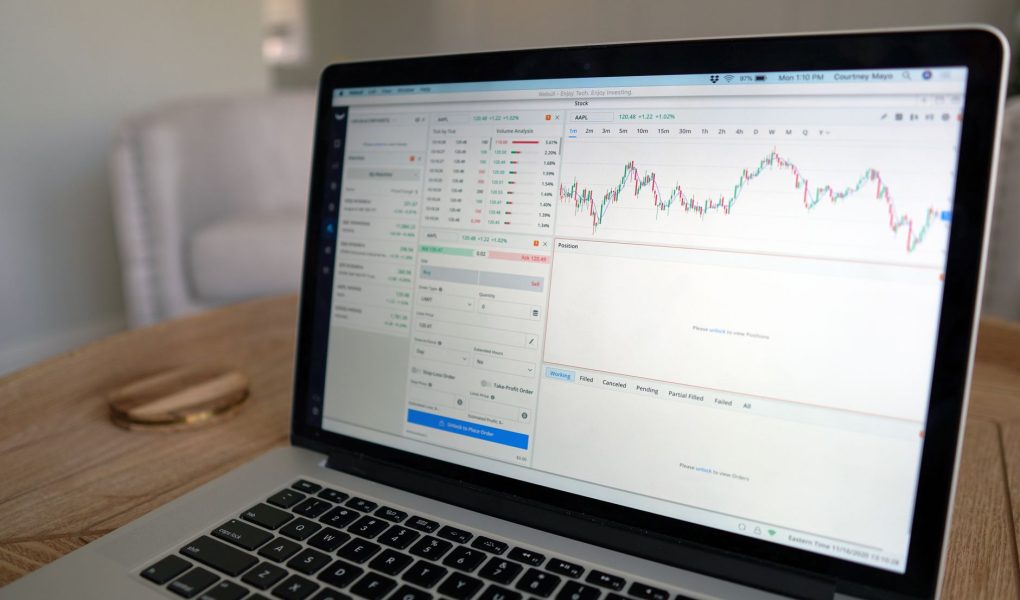
For traders who value reliability and analytical precision, the MetaTrader 4 platform continues to be a leading choice. Built to support a professional trading workflow, ironfx metatrader 4 combines a powerful technical environment with an intuitive interface that accommodates both structured and flexible trading approaches. This guide explores the platform’s core features through a practical, question-based format.
In This Article
- What Is the MetaTrader 4 Platform Designed For?
- How Are the Technical Indicators Organized Within MT4?
- What Charting Capabilities Does MT4 Offer?
- How Does the One-Click Trading Feature Work?
- What Tools Are Available for Risk Management?
- Can MT4 Be Customized to Fit Individual Trading Styles?
- What Should Traders Know Before Getting Started?
What Is the MetaTrader 4 Platform Designed For?
MT4 was designed with active traders in mind. It provides a comprehensive workspace where users can analyze markets, execute orders, and manage open positions—all within a single, integrated environment. The platform’s design philosophy centers on giving traders control and clarity, minimizing the friction between analysis and execution.
How Are the Technical Indicators Organized Within MT4?
The platform includes a substantial built-in library of technical indicators spanning trend, oscillator, volume, and Bill Williams categories. Traders can apply these directly to any chart and adjust their parameters to fit specific strategies.
Beyond the defaults, MT4 supports custom indicators developed in MQL4. This means traders are not limited to what comes pre-installed—they can source, import, or develop indicators that align precisely with their methodology.
What Charting Capabilities Does MT4 Offer?
MT4’s charting system supports multiple chart types, including bar charts, candlestick charts, and line charts. Traders can view up to nine timeframes and open multiple chart windows simultaneously, making it practical to monitor several instruments or timeframes at once.
The ability to run parallel chart windows is especially useful for traders who track correlations between assets or use multi-timeframe analysis as part of their decision-making process.
How Does the One-Click Trading Feature Work?
MT4 includes a one-click trading function that allows traders to open and close positions rapidly from the chart window. This feature is particularly relevant in fast-moving markets where execution speed can influence outcomes.
It reduces the number of steps required to place a trade, which helps traders act decisively when market conditions align with their strategy.
What Tools Are Available for Risk Management?
Risk management within MT4 is handled through a combination of order types and position monitoring tools. Stop-loss and take-profit levels can be set at the time of order placement or modified on open positions. Trailing stops add a dynamic element, automatically adjusting as the market moves in the trader’s favor.
The platform’s terminal window provides a real-time overview of open trades, account equity, margin levels, and profit and loss—giving traders the information they need to manage exposure effectively.
Can MT4 Be Customized to Fit Individual Trading Styles?
Customization is one of MT4’s defining strengths. The interface can be configured to show only the tools and data a trader uses regularly, reducing visual clutter and improving focus. Color schemes, chart layouts, and indicator settings can all be saved as templates and reapplied across sessions.
For traders who use specific workflows or analytical frameworks, this level of personalization means the platform can adapt to their process rather than forcing them to adapt to the platform.
What Should Traders Know Before Getting Started?
Before trading live, it is worth spending time in the demo environment. MT4’s demo accounts replicate live market conditions and allow traders to familiarize themselves with the platform’s tools, test strategies, and refine their approach without financial risk.
Taking full advantage of the platform’s features—from charting and indicators to automation and risk management tools—requires time and exploration. The more thoroughly a trader understands the environment, the more effectively they can use it.
Key Takeaways
- MetaTrader 4 is designed for active traders, providing a comprehensive workspace for market analysis, order execution, and position management.
- The platform includes a built-in library of technical indicators across various categories, and supports the use of custom indicators developed in MQL4.
- MT4’s charting system allows for multiple chart types and timeframes, enabling traders to monitor several instruments or timeframes simultaneously.
- The one-click trading feature in MT4 allows traders to open and close positions rapidly, which is crucial in fast-moving markets.
- Risk management in MT4 is facilitated through various order types, position monitoring tools, and features like trailing stops.
- Traders are encouraged to spend time in the demo environment to familiarize themselves with the platform’s features before trading live.